
Enterprise Policy Management
Manage the lifecycle of your Group Policy Objects
Change Control & Audit
Edit > Approve > Deploy - with audit trail
Native Group Policy has no draft state. There is no copy under review and no staging area — there is the live object in SYSVOL, and every save is production. UPA supplies the intermediate state the tool does not have.
Every Group Policy change then follows the same sequence. Nothing reaches Active Directory until it has been checked in, approved, and deployed by users or groups designated by you.
Edit
Check In
A new version is created
The editor supplies a comment explaining the change. The previous version is kept, not overwritten.
Submit
The editor submits the version with a reason - typically a change or ticket reference.
Approve
A different account signs it off
The approver reviews the change and approves or rejects it. Approval rights are separate from editing rights.
Deploy
The approved version is exported to AD
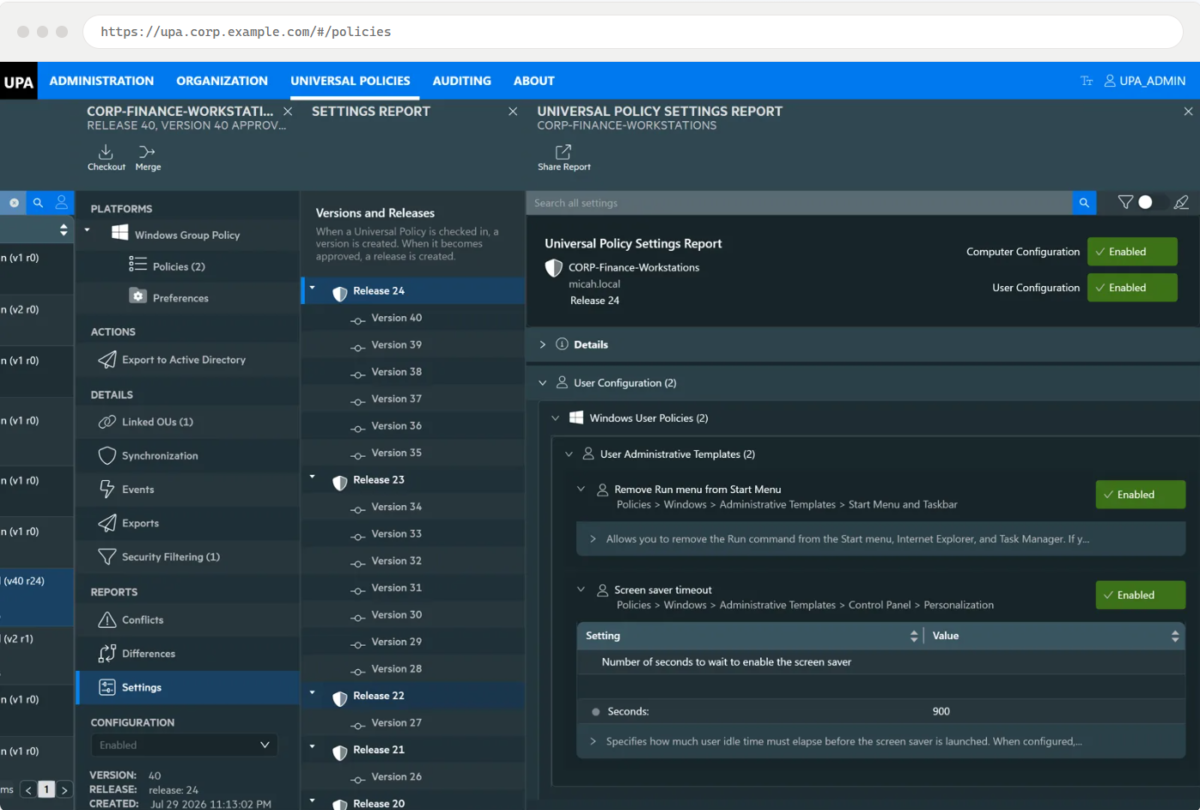
Every version archived
Nothing is overwritten. A full version history is maintained for documentation, rollback and comparison purposes.Role-based delegation
Each of the three main steps of the lifecycle — Edit, Approve, Export — can be assigned to different users and groups within your organization.What it looked like on a given date, and who signed it off
The two questions an auditor asks that native Group Policy cannot answer: editing a GPO discards the previous state, and approval leaves no record. Here both are read from the history, so separation of duties is evidenced rather than asserted.One record across every domain
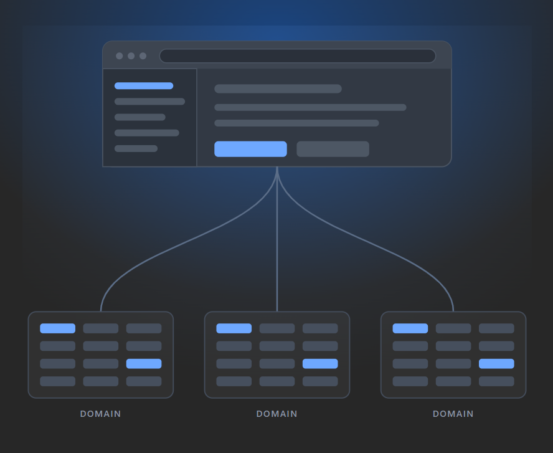
Including domains outside your trusts, so an audit question has a single source of truth rather than one per forest.Gold Policy — parent and child policies across domains
You can create parent-child relationships between policies in different domains. Updates made to the parent policy can be synchronized out to the designated child policies, which keeps critical policies consistent across a multi-domain environment.
Delegation
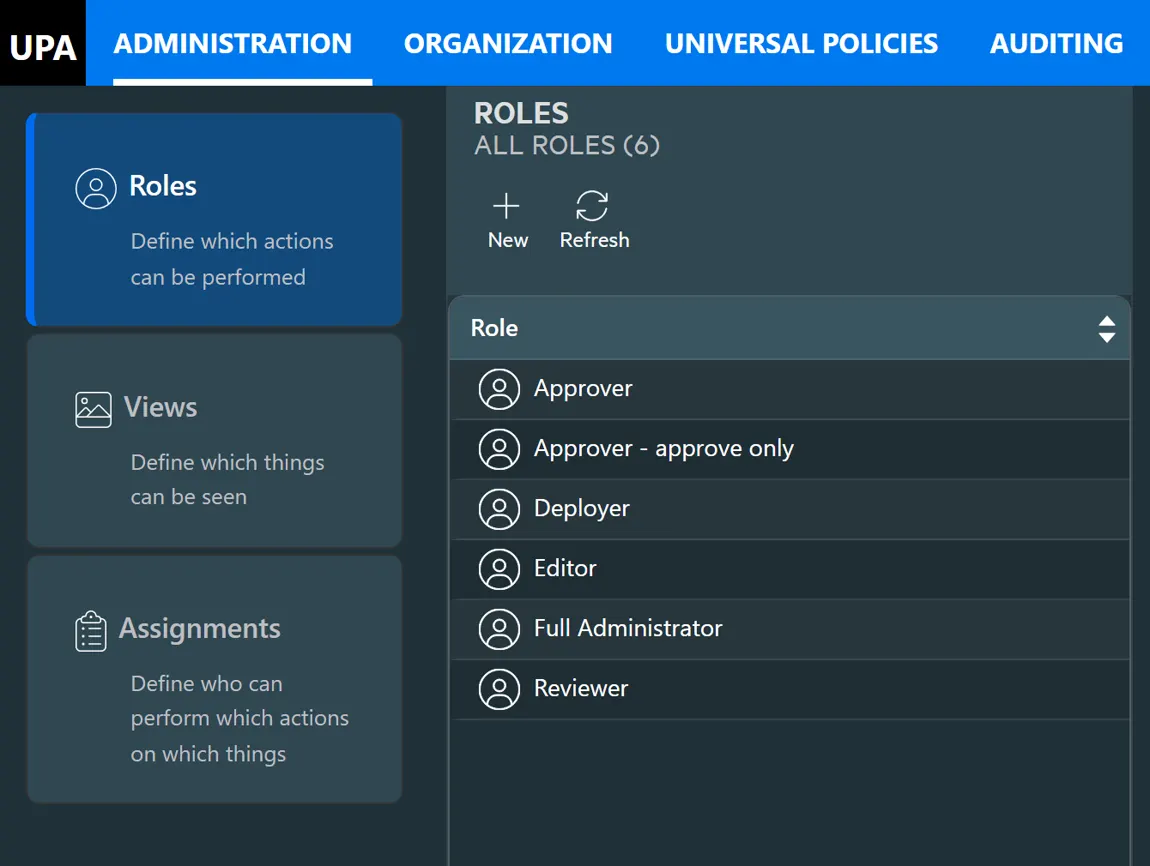
Give a team authority over their own GPOs, and nothing else
Role - what they can do
Editor, Approver, Reviewer, Deployer and Full Administrator are built in, and you can define your own. The list of allowed activities within UPA can be combined into your own custom roles.View — where they can do it
A View is a slice of your environment, created for delegation. It can be an entire domain, a collection of OUs, or any other grouping that fits your delegation model.Assignment — who gets it
An Active Directory group, plus a role, plus a view. Membership stays in Active Directory, where it is already managed.
AGPM Migration
AGPM support ended in April 2026.
Your change control does not have to.
Watch
Watch Group Policy management in action
Common Questions
Group Policy management questions, answered
Ready to Elevate Your Policy Control?
Modernize Your Group Policy Management Today
Join leading enterprises in revolutionizing their policy management. Book a personalized demo to see how UPA can future-proof your operations.Web Console
Comprehensive Change Management
Enterprise Ready