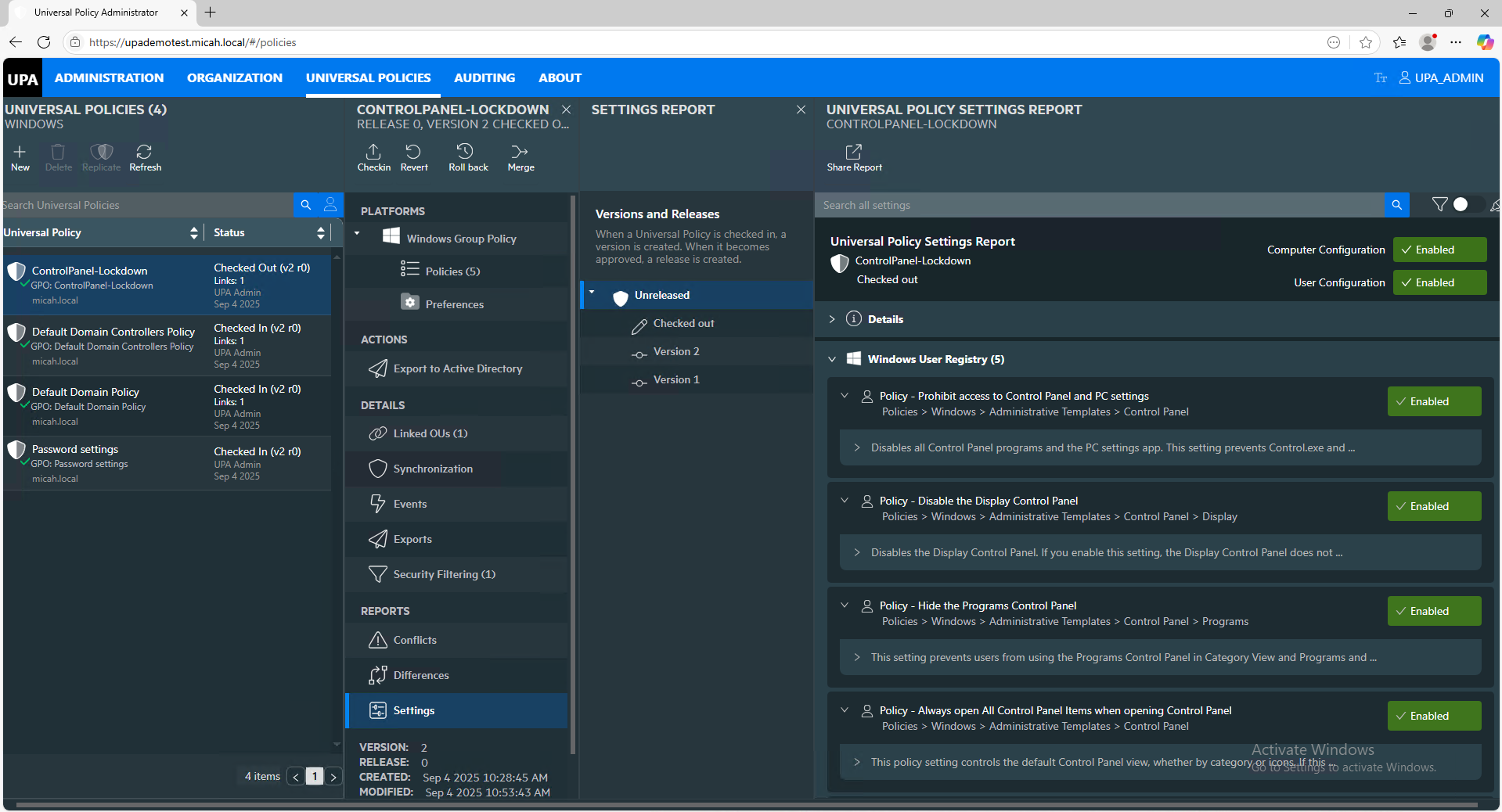
Universal Policy Administrator Documentation
Intro to Working with Universal Policies
A Universal Policy (UP) is an offline policy stored in a Microsoft SQL database. A UP contains GPO data and related settings. Once a GPO is imported into UPA or created from scratch, here are the types of operations that can be performed on it:
- Create and Edit Policy Settings
- Checkin
- Checkout
- Merge
- Revert
- Rollback
- Report
- Identify Policy Conflicts
- Identify Policy Differences
- Synchronize across Policies/Domains/Forests
- Replicate across Domains
- Link to Organizational Units
- View the history of Events
- Generate a Resultant Set of Policies (RSoP) Report
Policy Workflow
After importing a GPO from Active Directory or creating a new Universal Policy, a typical workflow for a Universal Policy includes the following:
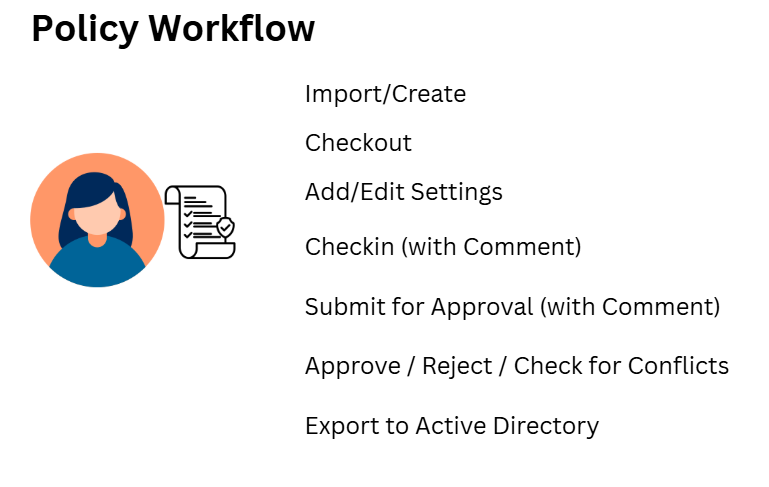
You will have different users for the various steps in the workflow. Please see the Administration section for setting up the various personas.
Here’s a video overview of working with an imported GPO and creating a new Universal Policy and exporting it to Active Directory: