Universal Policy Administrator Documentation
-
Introduction to Universal Policy Administrator
-
Installing Universal Policy Administrator
-
Setting up UPA Delegation
-
Working with Universal Policies
- Intro to Working with Universal Policies
- Creating Universal Policies
- Adding and Editing Policies
- Approving Universal Policies
- Exporting Universal Policies and Updating OU Links
- Merging Policies
- Rolling Back Policies
- Replicating Policies
- Synchronizing Policies (Gold Policy)
- Managing Security Filtering
- Working with ADMX Templates
-
Working with Domains and OUs
-
Reporting on Universal Policies
-
UPA Configuration Settings
- Configuring UPA to use a Third-Party Identity Provider
- Configuring OIDC Authentication with OKTA
- Configuring OIDC Authentication with Microsoft Entra ID
- Configuring SAML Authentication with Microsoft ENTRA ID
- Configuring SAML authentication with Okta
- Configuring the Universal Policy Administrator Syslog Provider
-
Appendix
< All Topics
Print
Web Console
UPA has a web console to manage the policies in an offline, secure environment. The console includes the following sections.
Administration: This is where you define the Roles, Views, and Assignments for the various users.
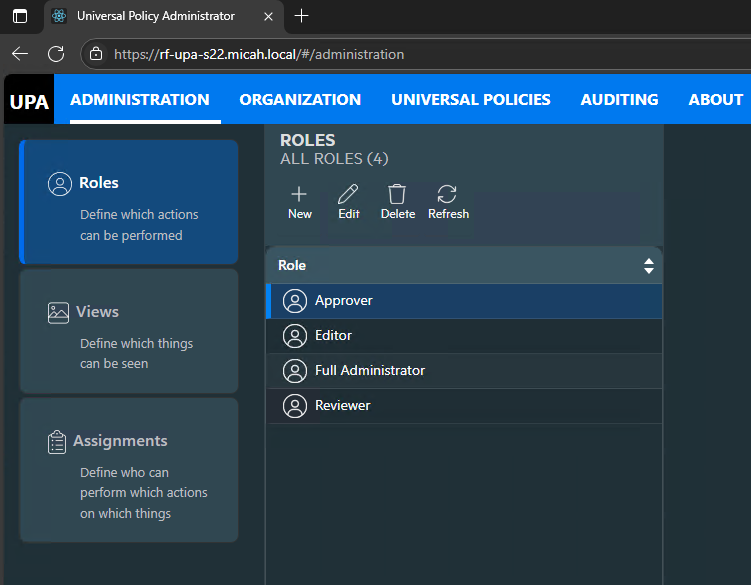
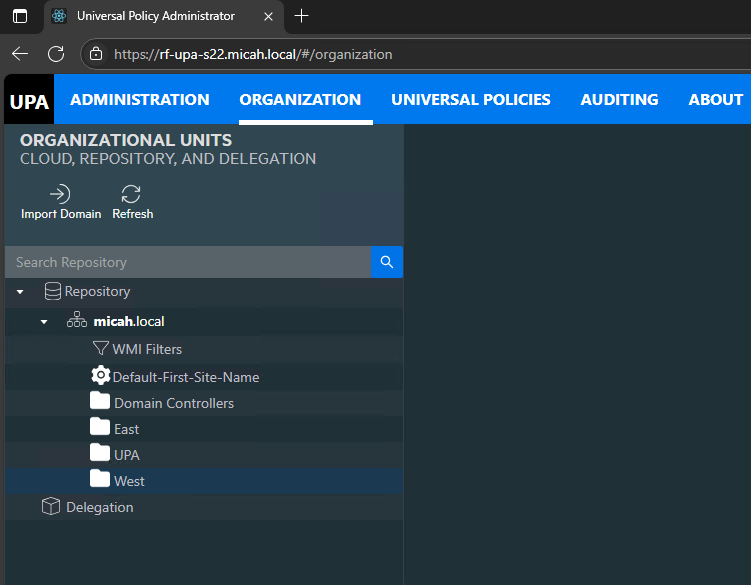
Organization: This is where your domains are imported, OUs are managed, and policies are linked to OUs.
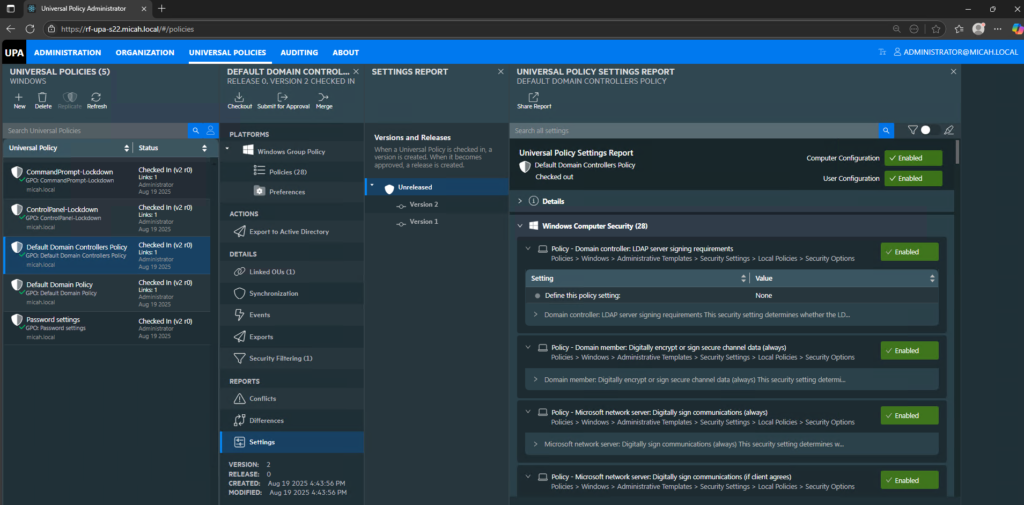
Universal Policies: This is where policies are managed including checkin/checkout, changes, updates, reviews, export, etc..
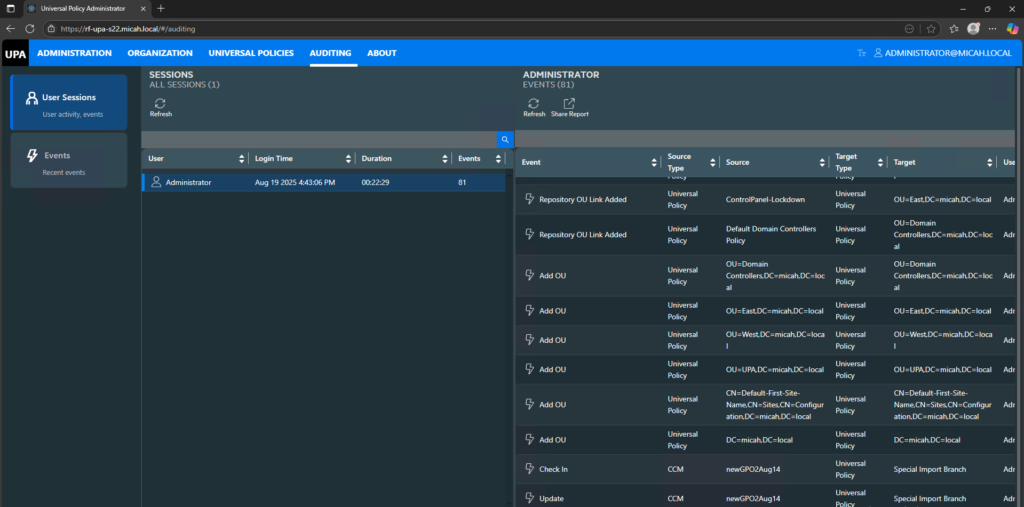
Auditing: This is where all audit event information is captured and tracked for User Sessions and Event auditing purposes.
In This Article
